Hide All Sms Message And Social Media Notification On Android Home Screen
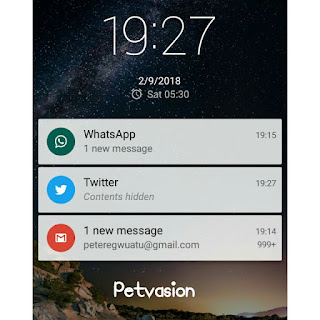
I am the kind of person that loves privacy very much. I don't like when friends or families peak up my phone that is under security lick and still see my notifications whether it sms, whatsapp, Facebook, Twitter etc. You know that these friends and families can be funny. In Android phones, even if you lock your phone, there are times when you receive some notifications from sms, Whatsapp, Facebook etc if anyone peaks up your phone to check the message, they would see who sent the message or be able to read the message as well, even if it is under lock. But I don't like it that way. I have tried in so many ways to figure out how to keep it private, mostly when my phone is locked. After digging hard, I later discovered it. Here is how it works. To make your messages or notification not to be revealed while your phone is under security lock, follow this step; 1. Click on your Android 'settings' 2. After that click on 'Sound and Notifications'...
